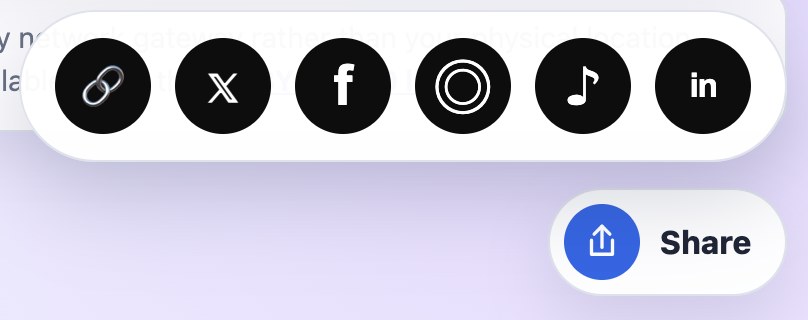
Did you know that sharing information from our website is very easy?
You can use the Share button located at the bottom of the screen. It is a smart button that works differently depending on the device you are using.
On a smartphone or tablet, tapping the Share button opens your device’s standard sharing menu. You can send the link through a text message, email, social media platform, or any other installed application.
On a computer, the button can help you copy the link to the current page or display the sharing options supported by your browser.
There is no need to copy the page address manually, open another application, and paste the link. Simply click or tap Share, select an application or recipient, and send the information.
You can share IP lookup results, articles, instructions, and other pages from our website with friends, coworkers, or technical support specialists.
Found something useful? Click Share and pass it along!
The Share Button at the Bottom of Our Website